Set it up in minutes
Answer a few questions, one at a time, or fill in the whole form: the person, a photo, the obituary, the services and the family. Or ask the family to fill in the details, and look over what they send.
MyProViewer gives each family a memorial on your screens and a page to share. Friends add photos and condolences, the family approves them, and they play in your rooms during visitation.
Free 14-day demo · three screens included · no setup fee · See pricing
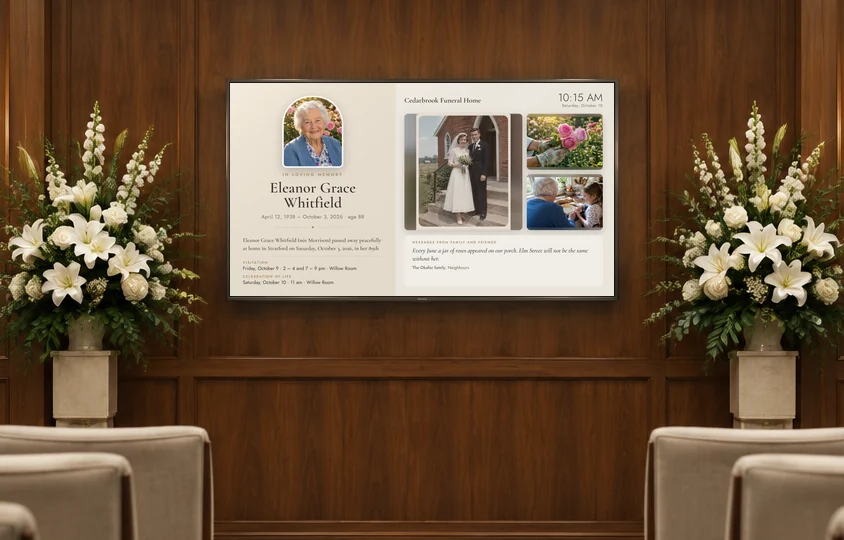
Pick a template and the rooms that show it. The family’s photos and messages join the screen as they’re approved, and full-screen photos play between them.
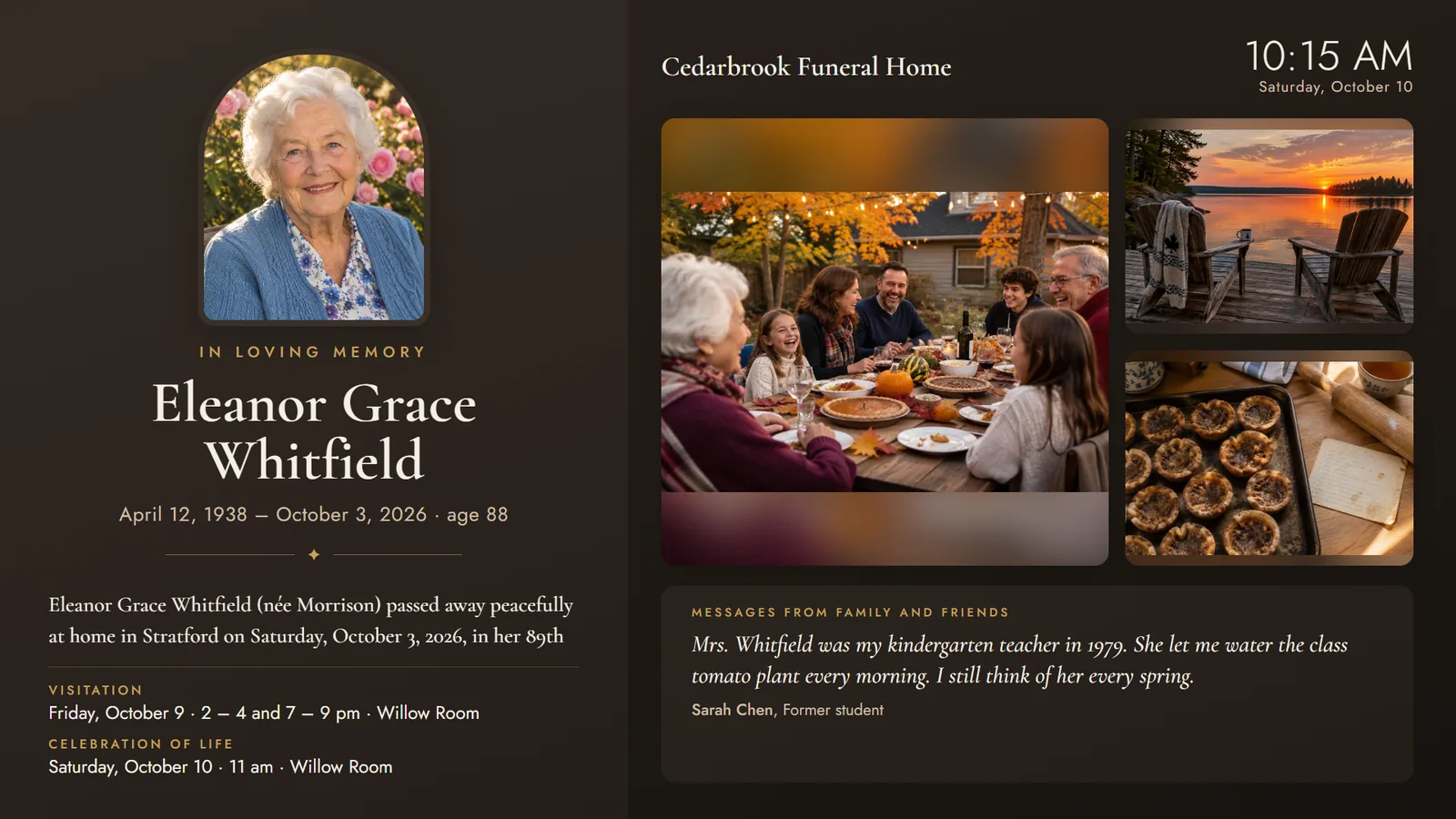
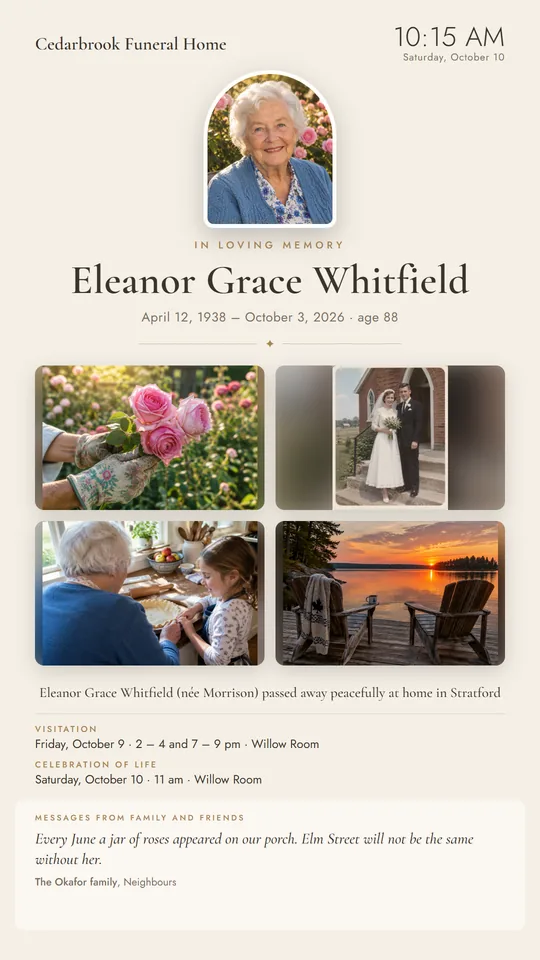
Sample memorial with made-up names and photos. Drawn by MPV’s own screen code.
Answer a few questions, one at a time, or fill in the whole form: the person, a photo, the obituary, the services and the family. Or ask the family to fill in the details, and look over what they send.
Each family member gets an email with the memorial page to pass on and a private link of their own. Friends add photos and condolences on the page; the family approves what’s shared.
Pick a template and the rooms that show it. Approved photos and messages join the screen as they arrive, and between memorials your screens show today’s services.
Families gather photos and memories from everyone who knew the person, without an app, an account or a USB stick passed around.
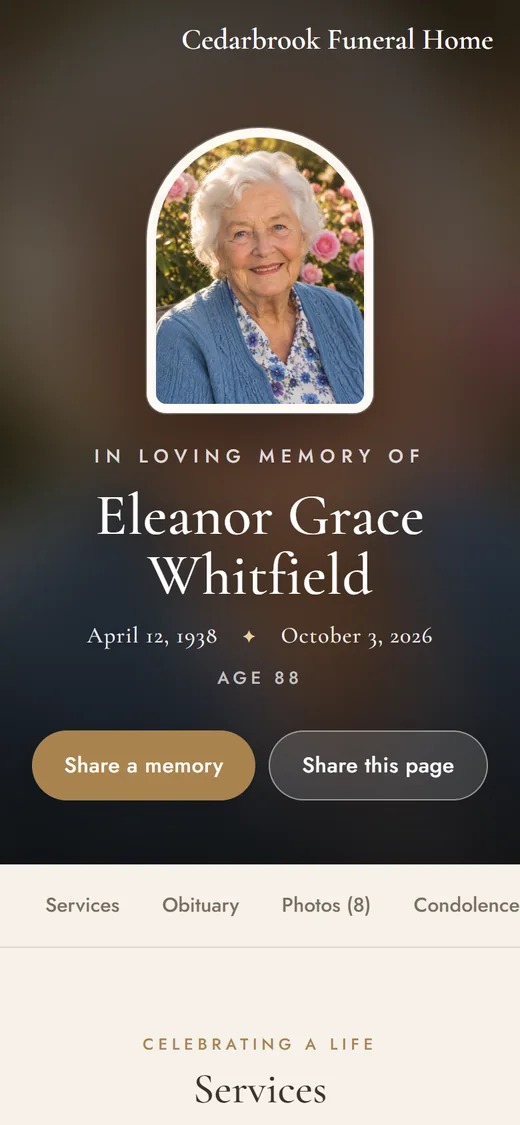
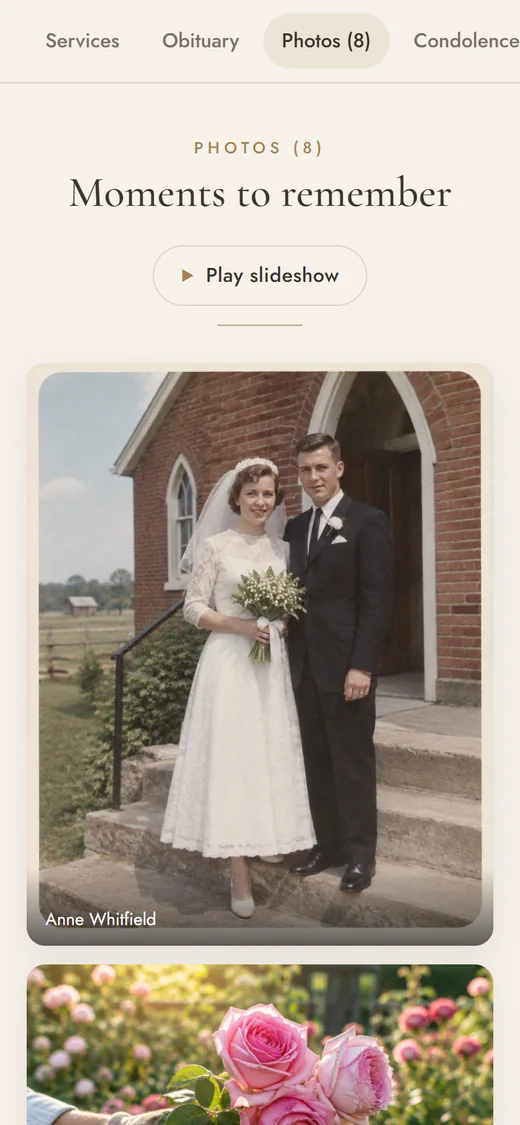
Sample memorial with made-up names and photos.
Any screen that isn’t showing a memorial becomes your services board: each service, room by room, updated as you plan it. Nobody types it twice.
Samples drawn by MPV itself, with made-up names. Your board shows your own services.
A portrait screen on an easel at the front of the visitation room, and the services board in the foyer. Tap a photo to see what it plays.
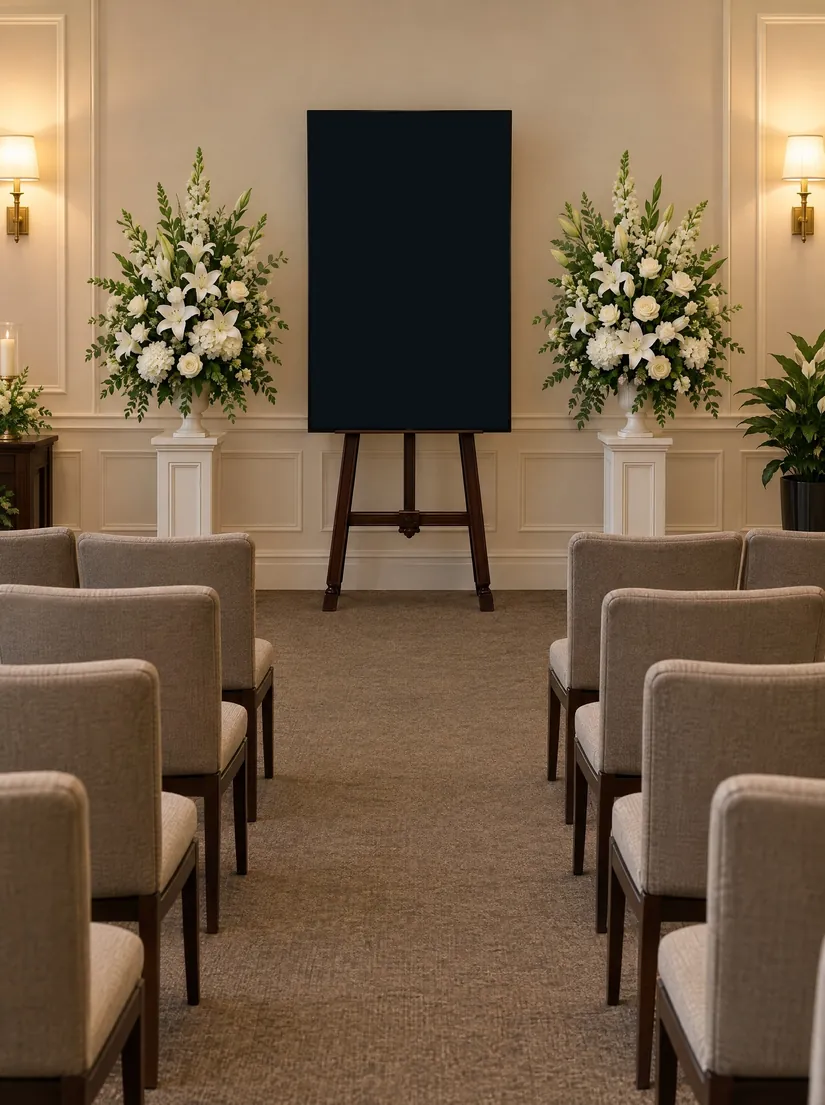
The family’s photos and words on a portrait screen at the front of the room
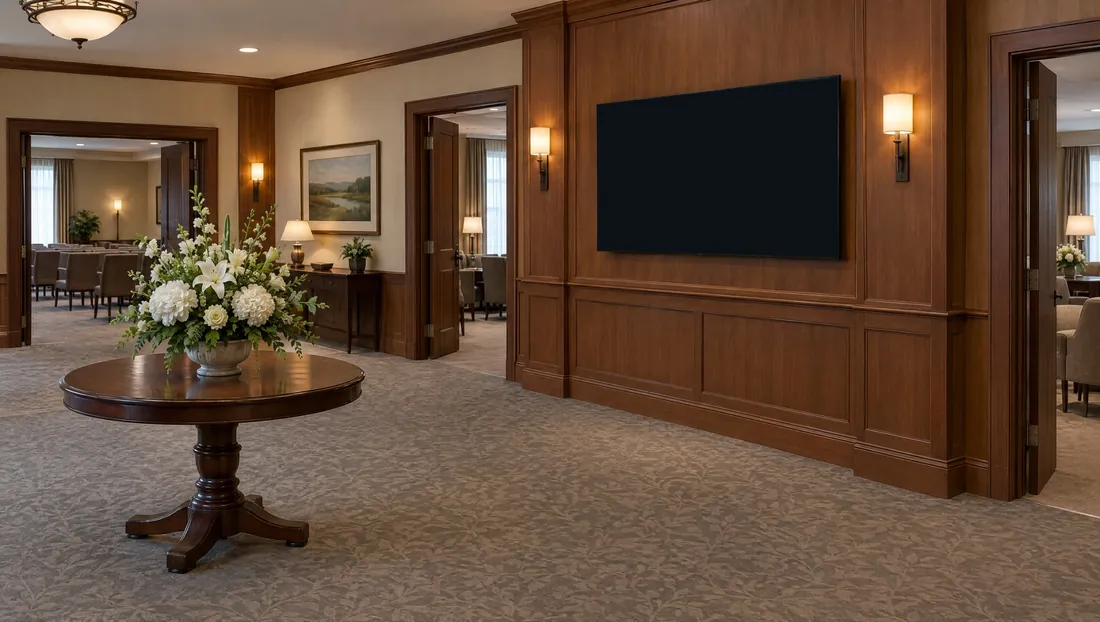
Today’s services, room by room, updated from MPV as plans change
Your staff set up a memorial in minutes; the screens and the page look after themselves.
Serene, Evening, Garden, Classic and Walnut: a portrait, the name and dates, a few words, photo boxes and full-screen photos between them.
A screen showing no memorial shows the services board: today’s and the coming services, by room and time.
Up to 5 memorials open at once, more if you need them. Choose which screens show which memorial, and change it from the Screens page.
Shared photos are deleted 60 days after the last service, after the family has had time to download them. The page, with the main photo, obituary and messages, stays online for good, unless you delete it.
A memorial leaves your screens 7 days after the last service, and new shares stop at the date you set.
Your funeral home’s name and address on the page and the emails, and your logo on every downloaded photo. No outside advertising, ever.
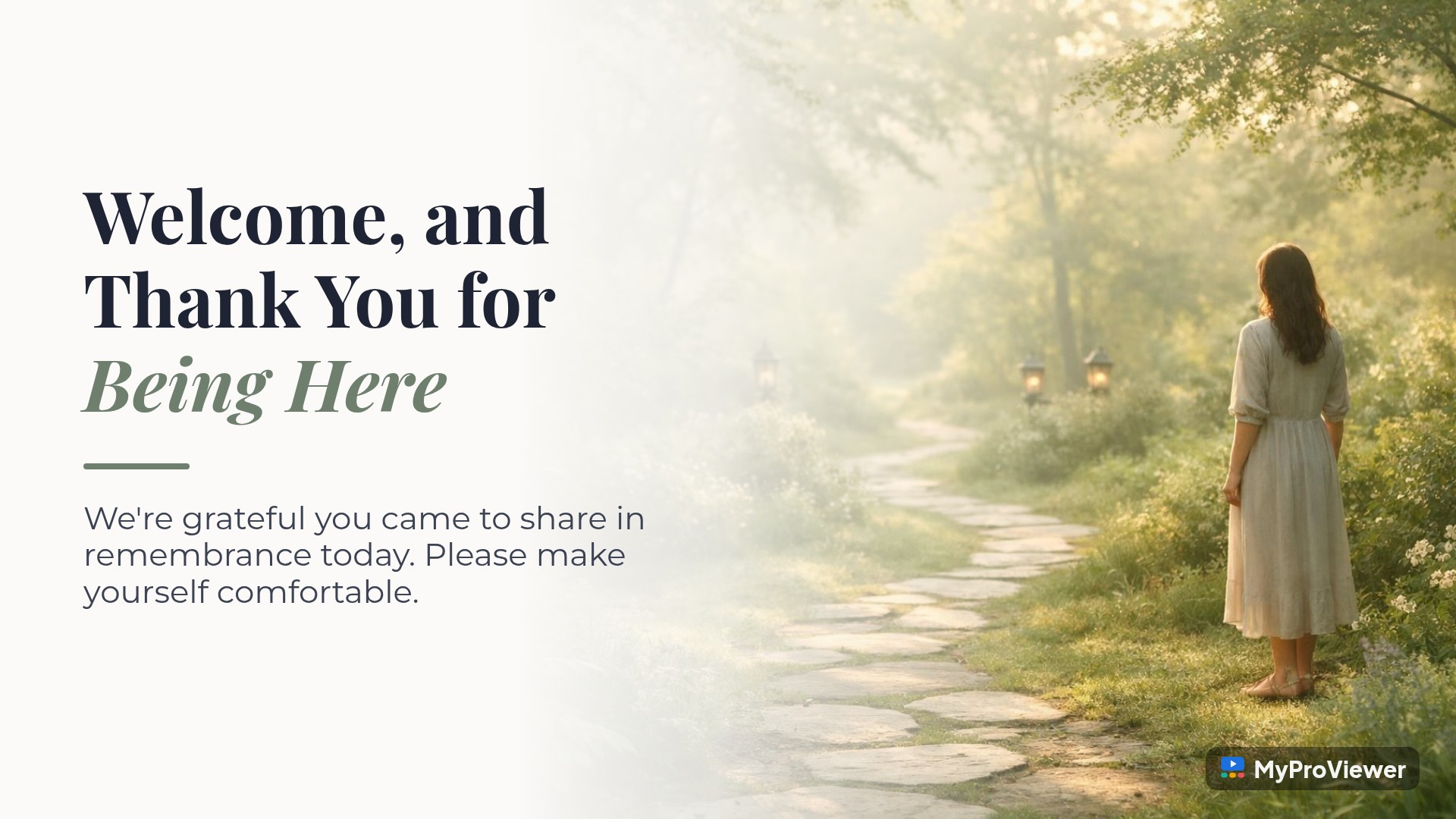
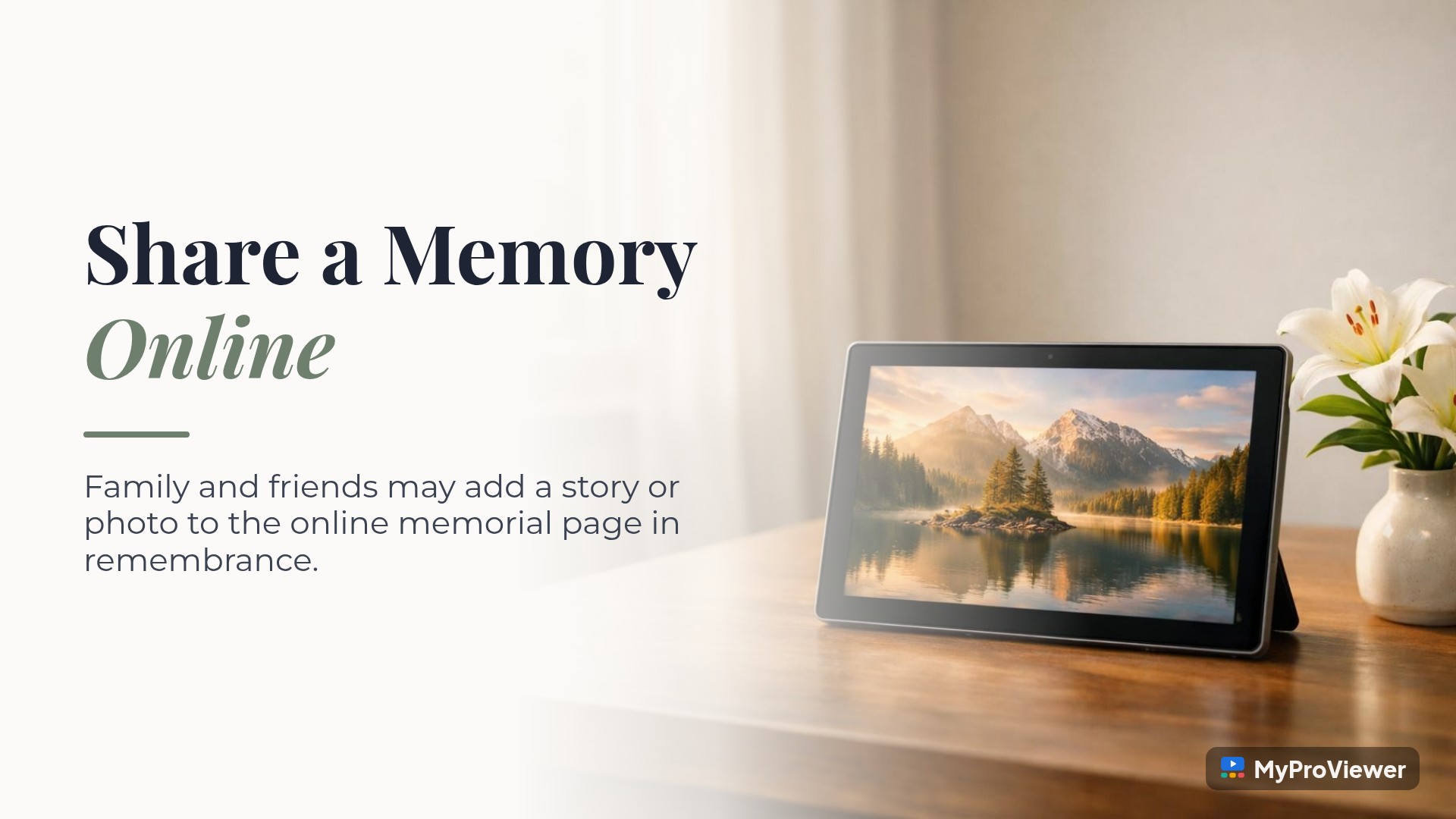
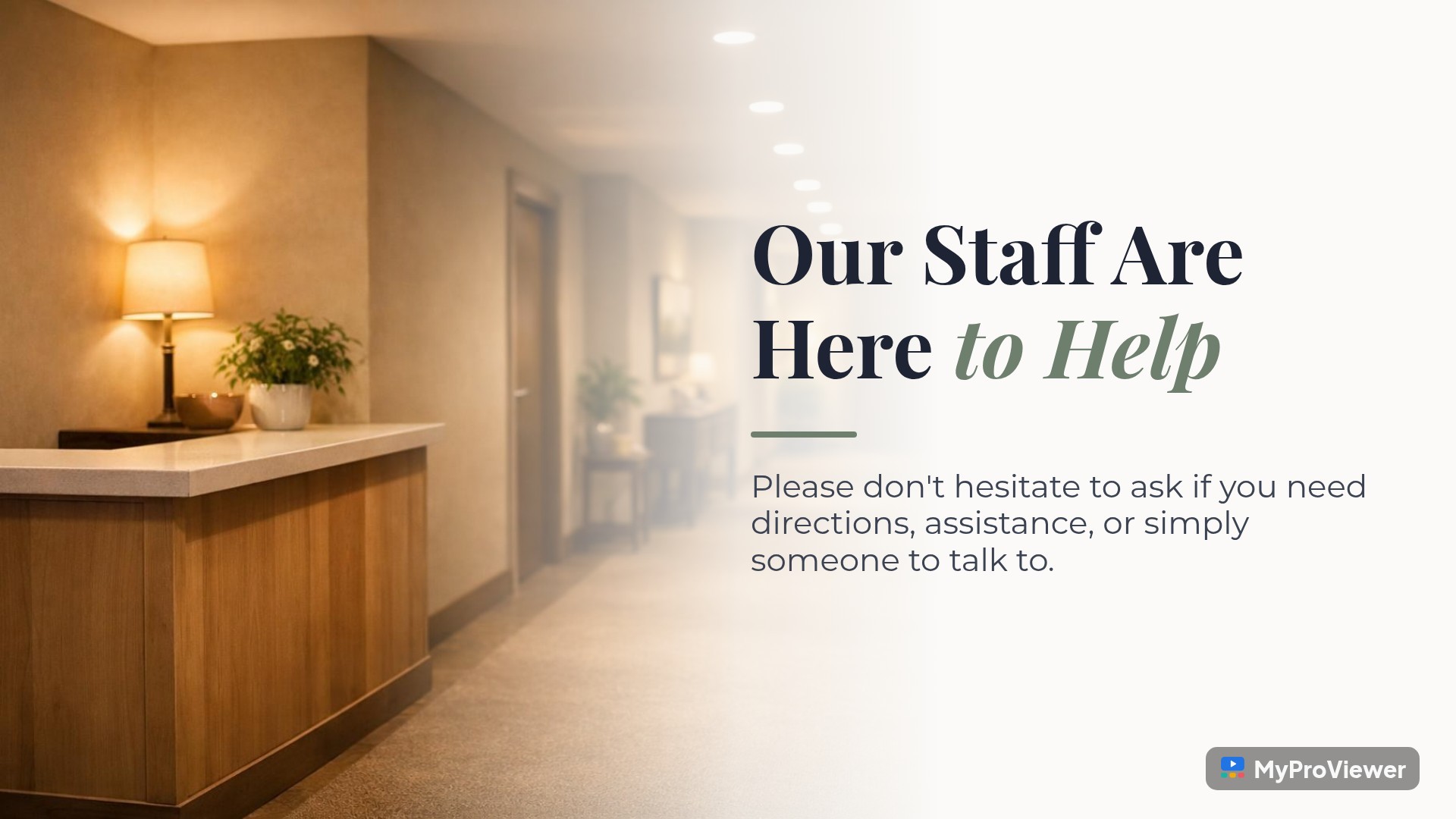
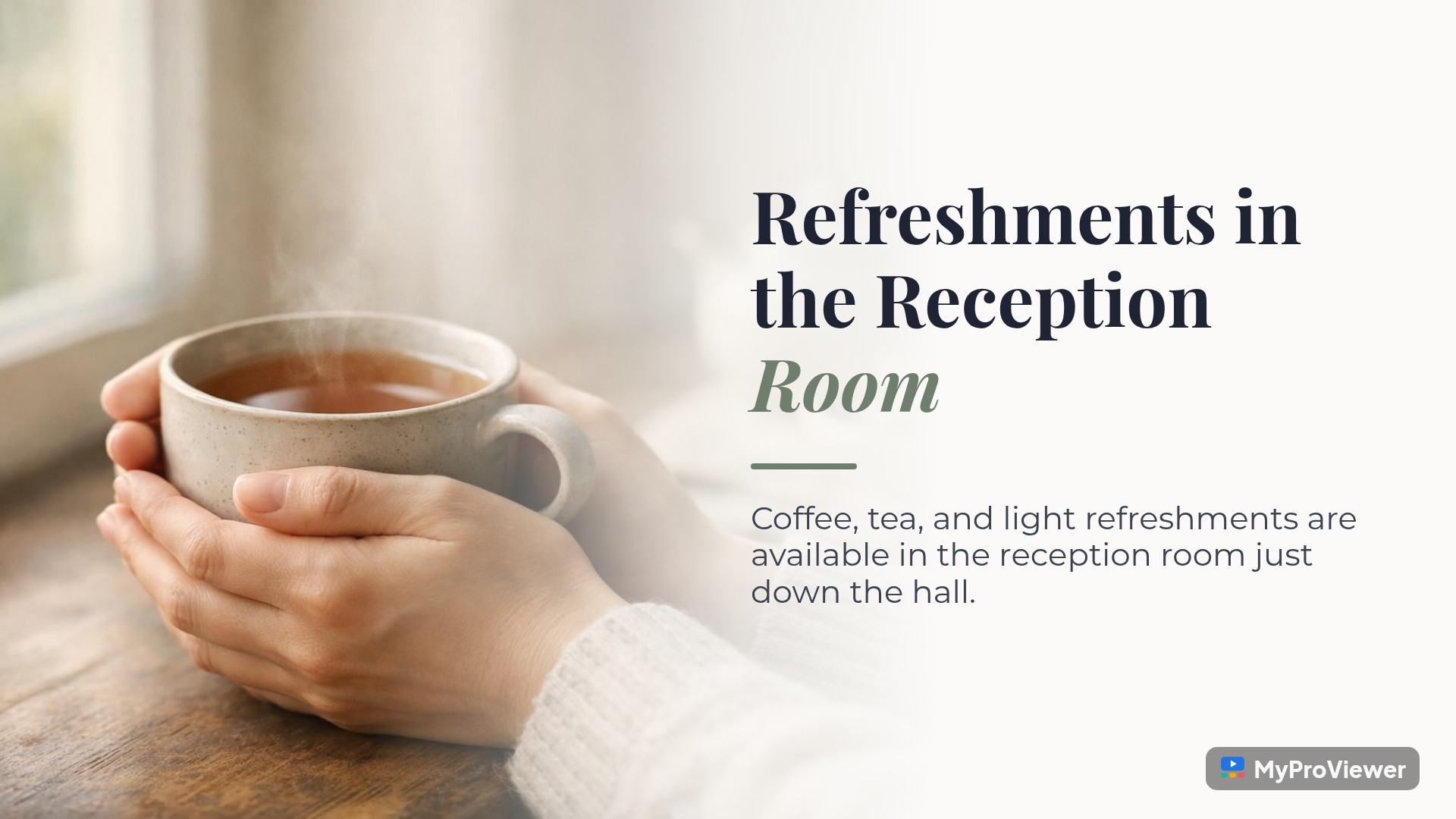
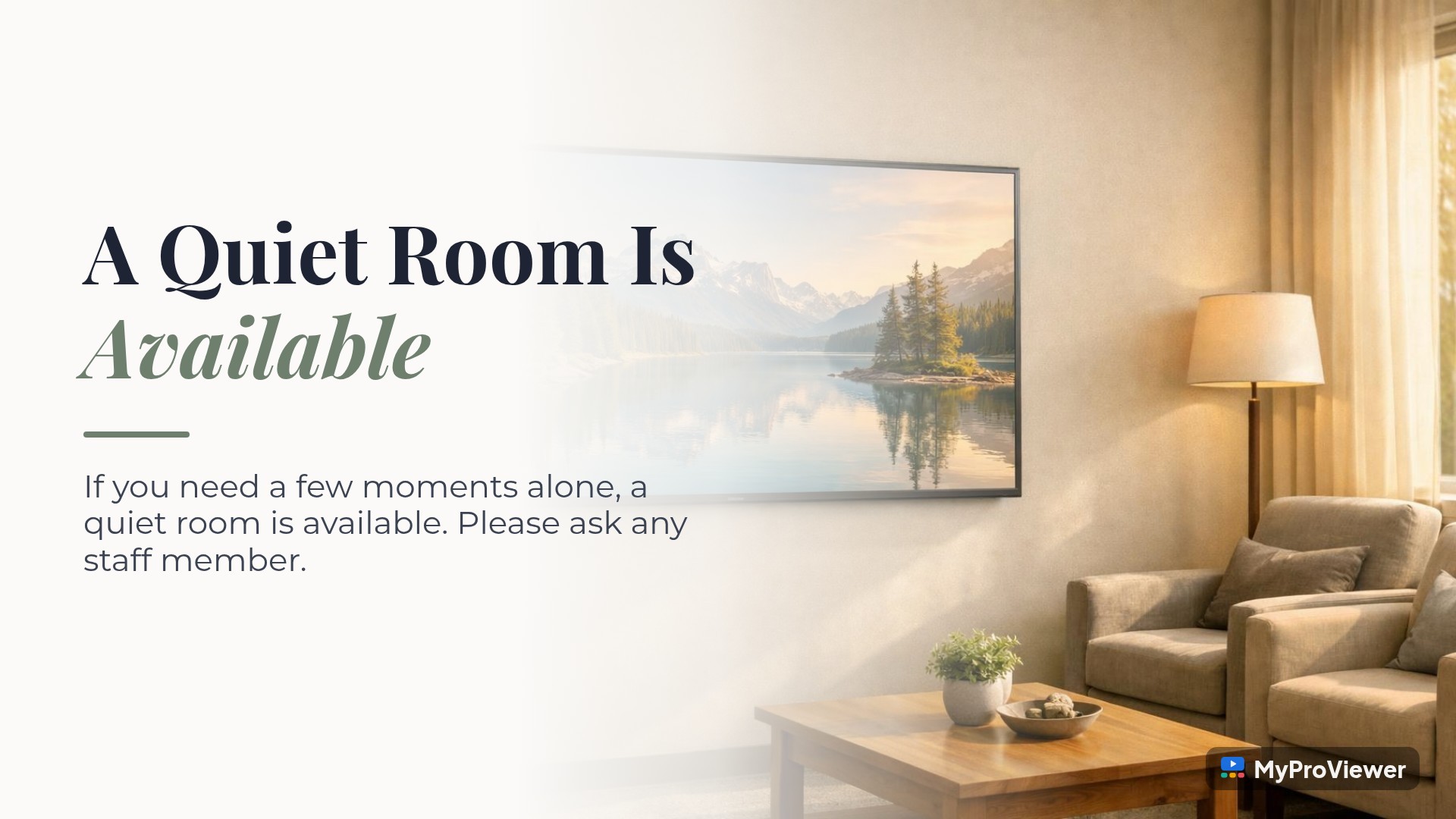
The Funeral Homes library in MPV: calm, photographic full screens for the guest book, the reception room, pre-planning and grief support, in English, French and Spanish.

Everything on this page with the Funeral Home plan, or just the services board in your lobby. Prices are for each location. Funeral home pricing →
A memorial for each family, on your screens and online.
No setup fee · 3 screens included · Extra screens US$49/mo
Today’s services and a welcome screen in your lobby.
No setup fee · 2 screens included · Extra screens US$49/mo
The demo is the full Funeral Home plan. Want Lobby Board after? Just tell us. Or book a walkthrough
30-day money-back guarantee. If MPV isn’t right for you in the first 30 days of your paid plan, tell us and we’ll refund what you paid.
Prices shown live from MPV, in USD.
No. Each family member gets an email with their own private link. Friends use the memorial page’s link. Nobody signs in.
Yes. A private memorial can only be opened with its link, which you and the family pass on.
The family, or you. Every photo and message waits for approval before it appears on the page or your screens.
A few minutes. Answer the questions one at a time or fill in the whole form, or send the family a link to fill in the details themselves, then look over what they send.
A TV with an HDMI port and internet in each room, with a streaming device or a smart TV. Ask us about supplying players and TVs.
The services board, your other screens and the Client App work in English, French and Spanish. Memorial screens, the memorial page and the emails to families are in English for now.
Yes. MyProViewer’s other tools (messages, photos, themes, news and more) can be turned on for your funeral home. Ask us.
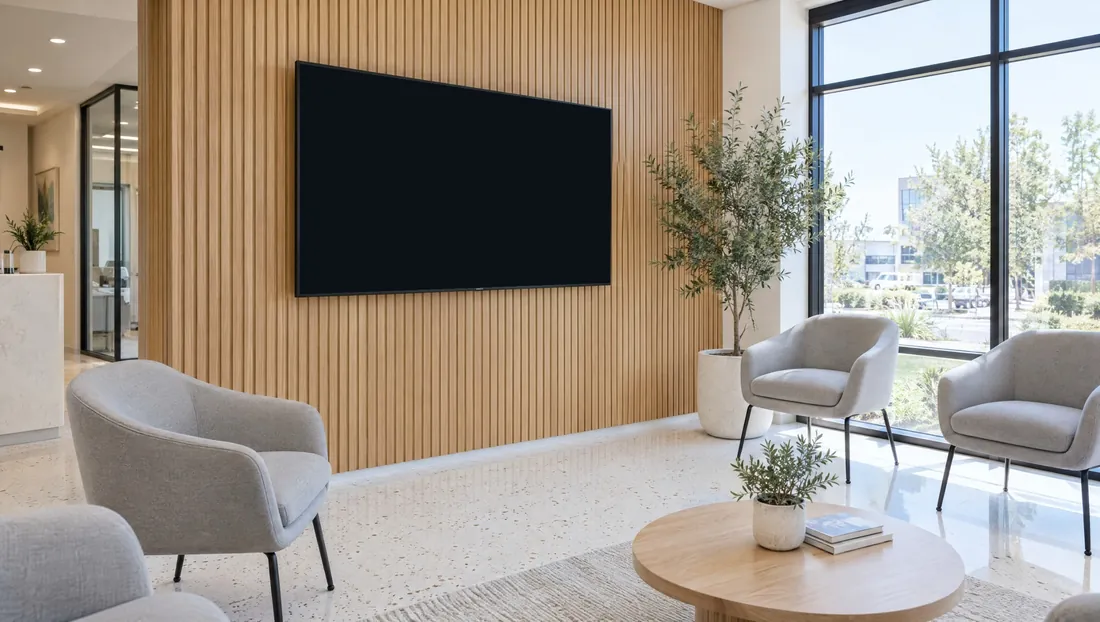 OrthodonticWhere MyProViewer began, in 2006.2,600+ full screens · 34 themes
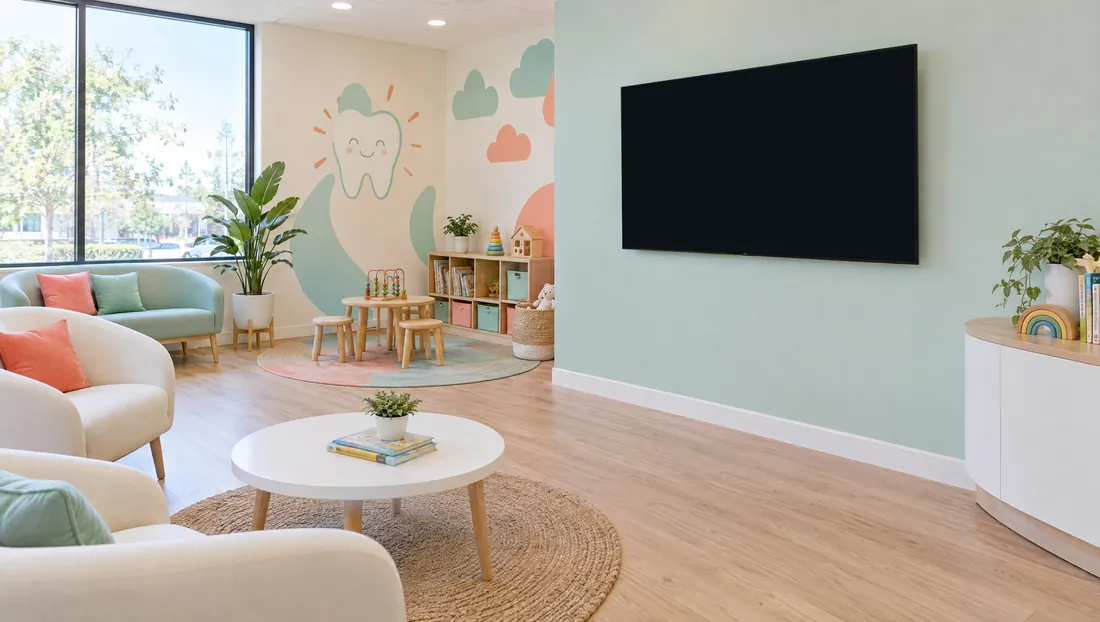 DentalFamily, cosmetic and pediatric offices.2,400+ full screens · 33 themes
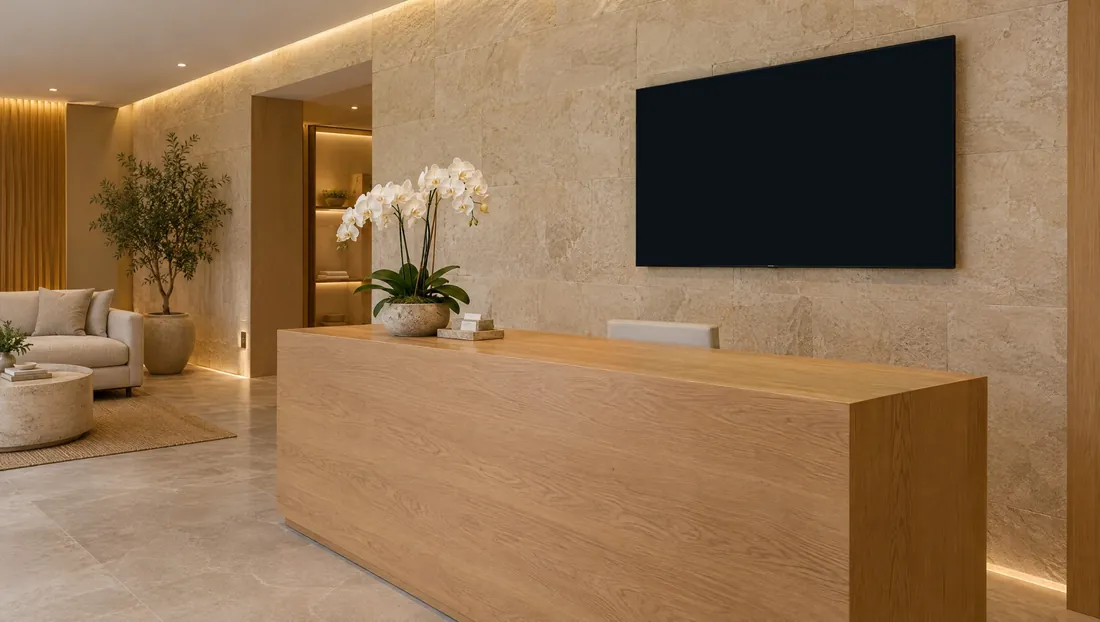 Health & beautyClinics, salons, spas and vets.900+ full screens · 42 themes
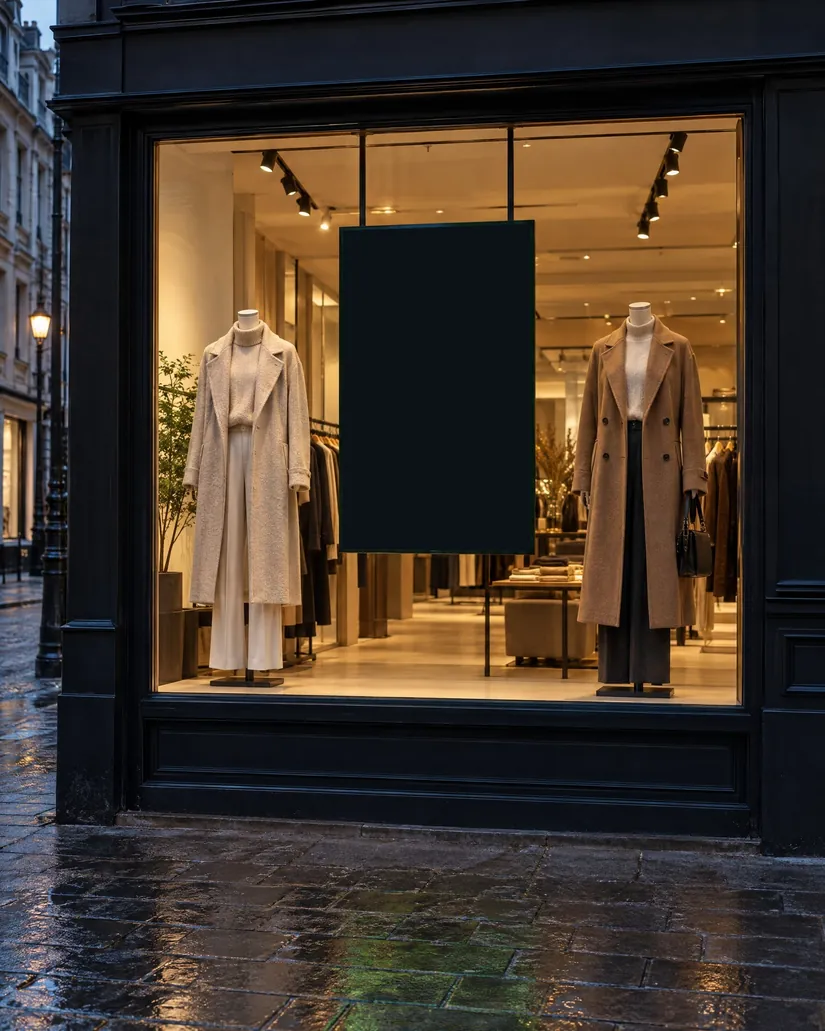 RetailBoutiques, shops and storefront windows.900+ full screens · 42 themes
 AutomotiveShowrooms and service lounges.900+ full screens · 42 themes
 HospitalityHotels, restaurants and cafés.750+ full screens · 42 themes
 EducationSchools, colleges and learning centres.750+ full screens · 42 themes
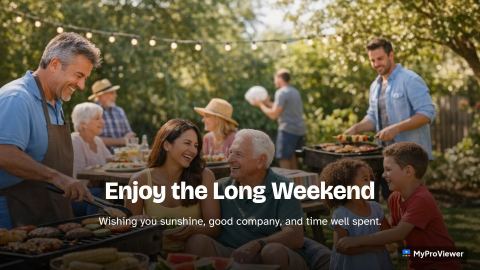 CommunityCommunity centres, libraries and non-profits.750+ full screens · 42 themes
 EntertainmentTheatres, cinemas, arcades and venues.750+ full screens · 42 themes
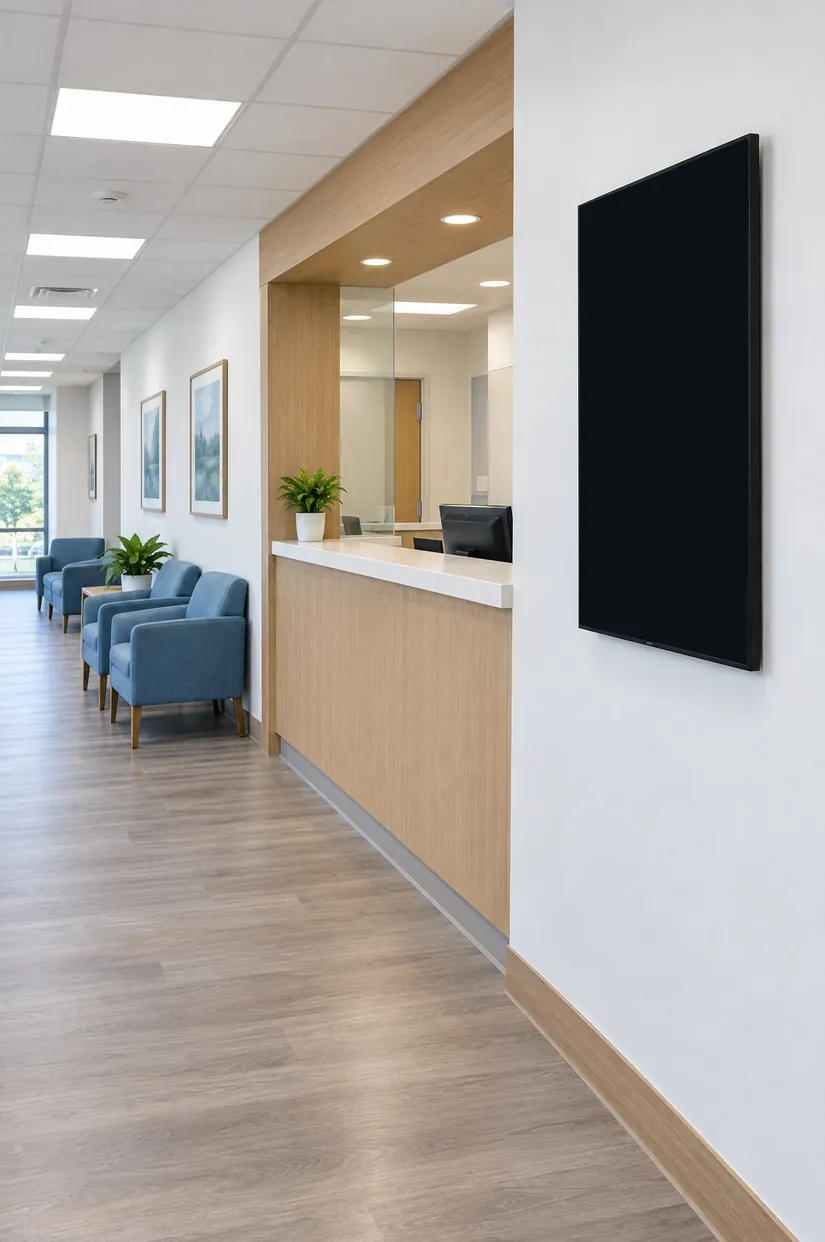 Health careClinics, physio, pharmacies and more.750+ full screens · 42 themes
 EventsConferences, venues, weddings and galas.750+ full screens · 42 themes
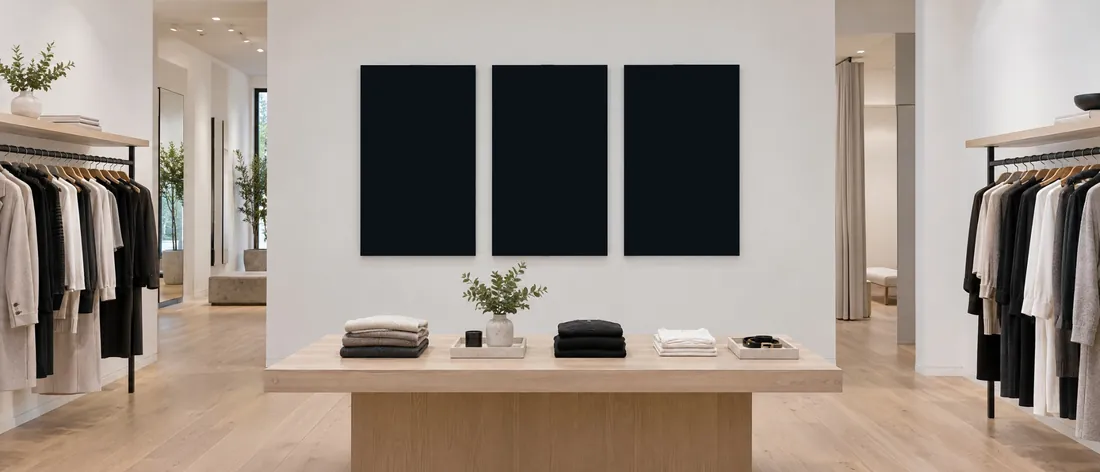 FashionBoutiques, apparel and accessories.750+ full screens · 42 themes
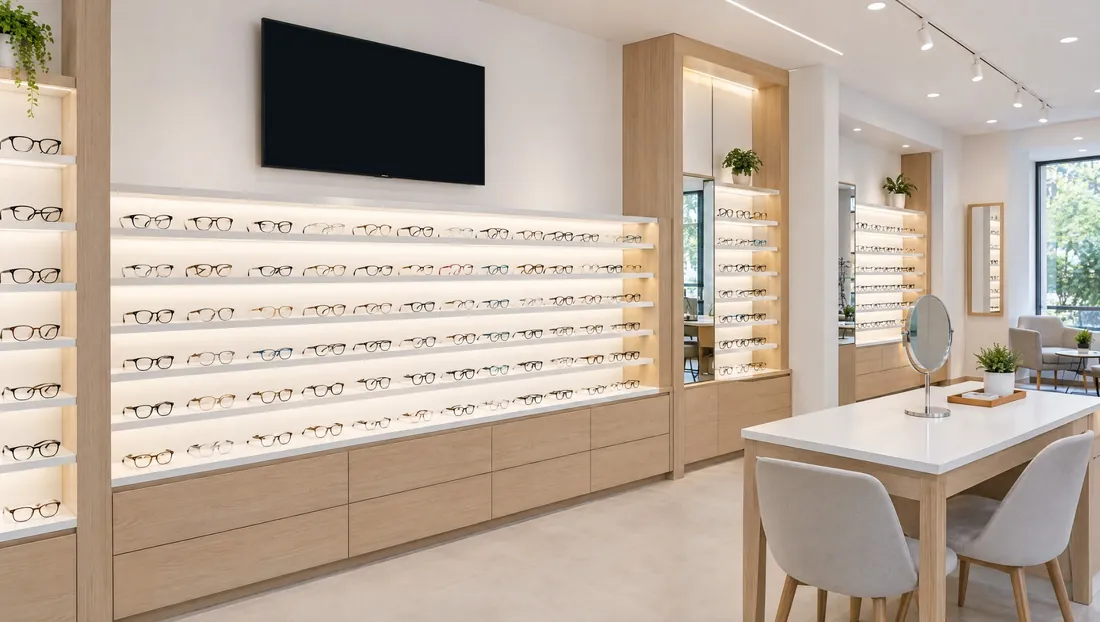 OptometryEye care clinics and optometrists.750+ full screens · 42 themesEyewearEyewear stores and opticians.750+ full screens · 42 themes
 TourismVisitor centres, tours and attractions.750+ full screens · 42 themesEvery businessOffices, restaurants, gyms and more.750+ full screens · 42 themes
Try the full Funeral Home plan free for 14 days on your own TV: set up a memorial and open the family’s page. Or we’ll walk you through it in about twenty minutes. Call 1-866-521-0555.